We’ve seen a sharp rise in phishing scams across the crypto space, some specifically targeting Trezor users.
Some of these scams are disturbingly convincing. They impersonate exchanges, Trezor Support, other hardware wallet brands… even Trezor team members!
Given the nature of self-custody (you are in full control), we think it’s important you’re fully aware and informed about these threats and how to keep your crypto secure.
Phishing emails are often sent from legitimate email platforms.
They use trusted-sounding domains from compromised or misused accounts.
They look real.
But they’re not.
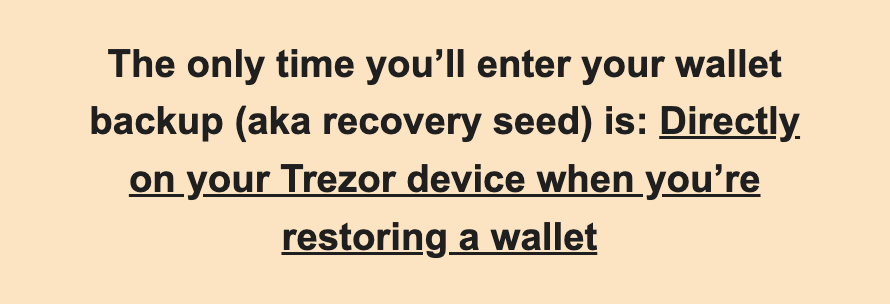
This means that you should never manually type your wallet backup into your computer or phone, and it’s never needed for security updates.
This will only happen if your Trezor is lost, damaged, you’re checking your backup, or you’re setting up a new one. These situations are extremely rare.
Most people haven’t used their wallet backup after the day they set up their hardware wallet, and that’s quite normal.
Recovering a wallet is uncommon, so if anyone is prompting you to do it, it should immediately raise suspicion.
*For the original Trezor Model One, you do type the wallet backup manually, but it’s only when you recover your wallet, when your device is connected to Trezor Suite. The device will prompt you for which word should be entered and which position.*

Scammers often try to make it look harmless, asking for a “recovery key”, “backup code”, or “passphrase”.
They may even disguise it as a “bug fix”, “log in”, or “security check”.
It’s still your wallet backup.
And it should never be shared. Ever.
This also applies to anyone asking for passwords, 2FA codes, or any personal information. All are clear red flags of a scam.
Scammers rely on fear, panic, and urgency to cloud your judgment.
If you receive a message about your crypto that makes your stomach drop or demands fast action:
Even experienced users have fallen for these scams, and most victims immediately realized something was wrong after sharing the keys to their crypto.
Take a breath. Think it through. Verify the information on your terms.
If your wallet backup is safe, secure, and offline, have confidence knowing your crypto is in your control.
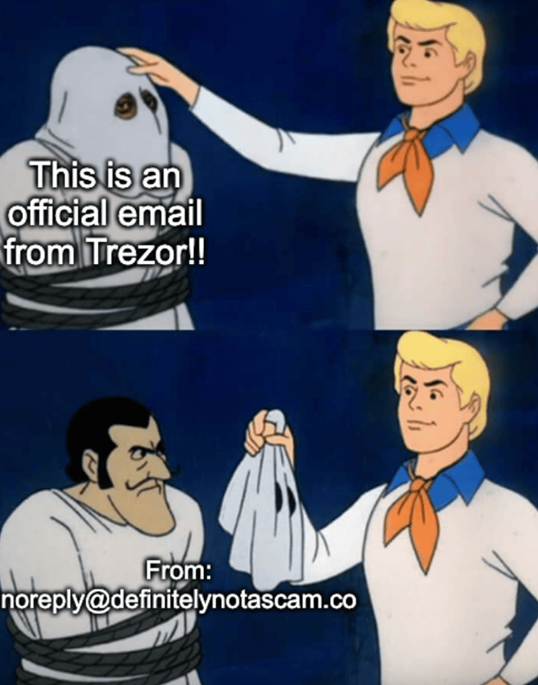
Our official emails are sent from noreply@trezor.io, and our authentic site domain is @trezor.io.
Scammers often use similar-sounding domain names, but it’s easier to filter if you verify the address.
Even so, always stay vigilant.

Never share your sensitive crypto information with anyone, no matter how legitimate they seem, even if the domain looks official.
You will only ever download Trezor Suite from the official site, and that happens very rarely: usually once when setting up your Trezor and maybe a second time if you get a new computer.
We take this very seriously and will continue fighting against these scams.
Thank you for securing your crypto with Trezor.
Take control.
Want insider offers, product news, and crypto insights delivered to your inbox?
Join our newsletter and stay updated!

Thanks for reading! If you enjoyed this article, give it a clap (or a few!) and drop a comment below — we’d love to hear your thoughts. Don’t forget to follow for more insights and updates on the exciting world of crypto security.
Stay secure, and see you next time!

Crypto phishing on the rise: protect your Trezor and wallet backup was originally published in Trezor Blog on Medium, where people are continuing the conversation by highlighting and responding to this story.





